
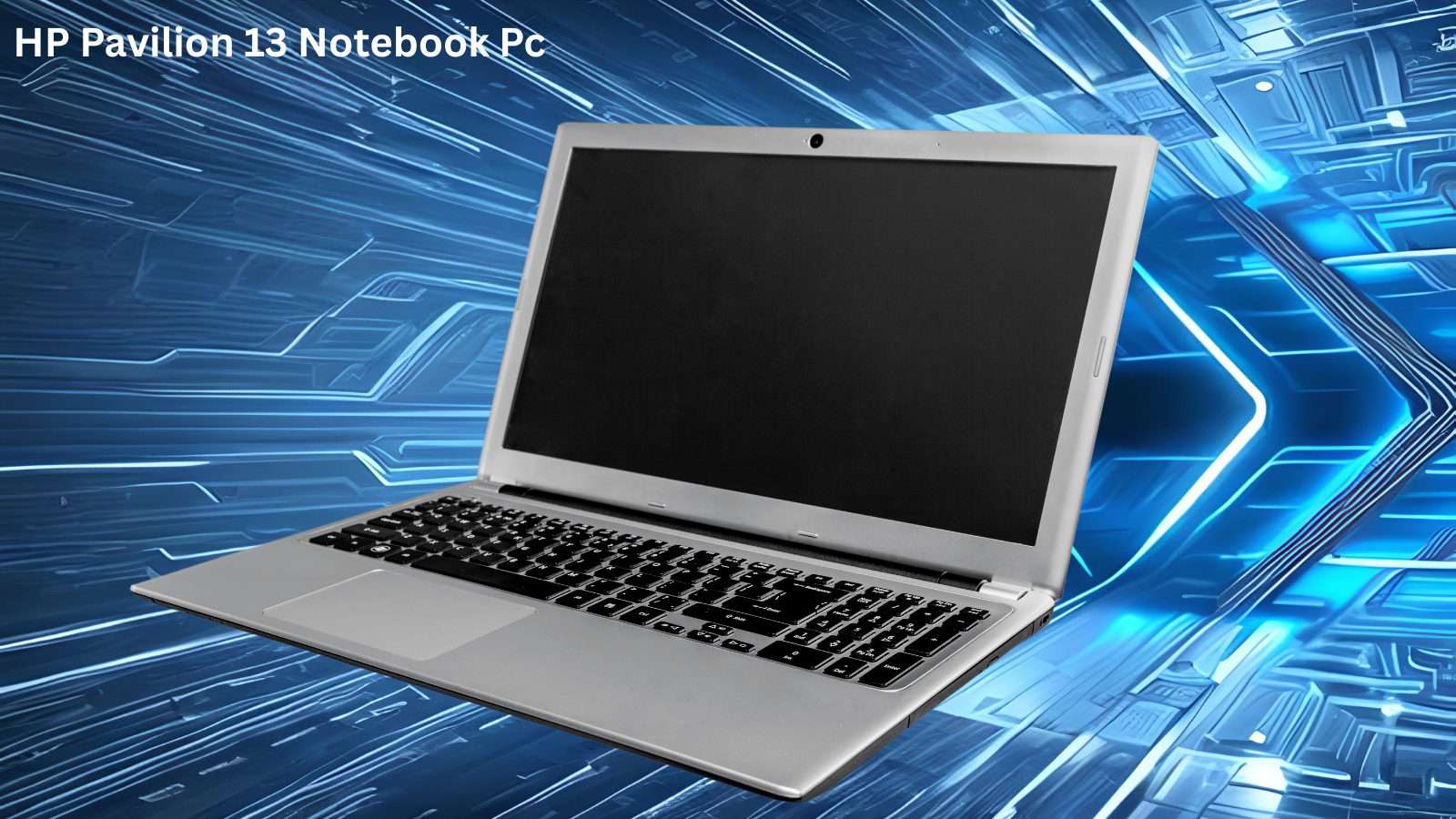
The HP Pavilion 13 Notebook PC has become one of the most talked-about budget laptops in the market. Thin, lightweight, and priced for everyday users, it sits in a crowded segment but manages to stand out through its solid build and reliable performance. Whether you are a student, a remote worker, or someone who just needs a dependable machine for daily tasks, the HP Pavilion 13 is worth a serious look.
Design and Build Quality
The HP Pavilion 13 Notebook PC features a slim aluminium-finish chassis that feels premium despite its price point. At roughly 1.3 kg, it is easy to carry around all day without fatigue. The 13.3-inch display sits inside relatively thin bezels, giving the screen a modern feel. The keyboard deck is well-spaced and comfortable for extended typing sessions, and the touchpad is responsive enough that most users will rarely reach for an external mouse.
HP has put real effort into the aesthetics here. Available in natural silver and pale gold finishes, the Pavilion 13 does not look like a budget laptop. It looks like a machine that costs significantly more, which is part of its appeal for users who care about how their gear looks in a coffee shop or a university lecture hall.
Performance and Processor Options
Depending on the configuration, the HP Pavilion 13 ships with Intel Core i3 or i5 processors from recent generations, paired with 8 GB or 16 GB of RAM. For everyday tasks such as browsing, document editing, video streaming, and light multitasking, performance is smooth and responsive. Do not expect this machine to handle video rendering or heavy gaming, but for its intended audience it performs well above average.
The SSD storage options, typically 256 GB or 512 GB, ensure that boot times and application launches are fast. Users coming from older HDD laptops will notice an immediate improvement in everyday responsiveness.
Display: What to Expect from the 13-Inch Screen
The HP Pavilion 13 uses a Full HD IPS panel that delivers accurate colours and wide viewing angles. Brightness levels are adequate for indoor use, though direct sunlight can make the screen harder to read. Content creators doing colour-sensitive work may want to look elsewhere, but for students and office workers the display is more than satisfactory.
According to Laptop Mag’s review coverage of HP’s Pavilion line (https://en.wikipedia.org/wiki/HP_Pavilion), the Pavilion series has historically balanced affordability with respectable display quality, and the 13-inch model continues that tradition.
Battery Life and Portability
Battery life on the HP Pavilion 13 Notebook PC typically lands between 7 and 10 hours depending on screen brightness and workload. For a full day of lectures or a normal office workday, you can usually get through without hunting for a power outlet. The included charger is compact and easy to pack, which adds to the overall portability story.
Connectivity and Ports
The HP Pavilion 13 includes USB-A ports, a USB-C port, an HDMI output, a headphone jack, and a microSD card slot. It is not overloaded with ports, but it covers the essentials. Wi-Fi 6 support ensures fast wireless performance on compatible routers.
Is the HP Pavilion 13 Worth Buying in 2026
For students, freelancers, and everyday users who want a well-built, dependable laptop without spending a fortune, the HP Pavilion 13 Notebook PC is an excellent choice. It does not try to be a powerhouse. It tries to be reliable, portable, and easy to live with every day. On those terms, it succeeds.
Looking for more tech-related content? You might also enjoy our deep dive on Yarn DXL Subshell Explained: Complete 2026 Guide which covers developer tools in detail.
Frequently Asked Questions
Does the HP Pavilion 13 support upgrades?
RAM is typically soldered on the HP Pavilion 13 and cannot be upgraded after purchase. Storage may be upgradeable depending on the specific model variant, so it is worth checking the service manual for your exact configuration before buying.
Is the HP Pavilion 13 Notebook PC good for gaming?
It handles light, casual games reasonably well but is not designed for serious gaming. The integrated Intel graphics can run older titles at low settings, but modern AAA games are beyond its capabilities.
What operating system does the HP Pavilion 13 come with?
Most retail configurations ship with Windows 11 Home pre-installed. Some education-focused variants may come with a different setup, so always verify before purchasing.
How does the HP Pavilion 13 compare to the MacBook Air?
The MacBook Air offers superior build quality, better display brightness, and stronger performance, but at a considerably higher price. The HP Pavilion 13 is better suited for users on a budget who do not need the Apple ecosystem.
Does the HP Pavilion 13 have a backlit keyboard?
Many configurations of the HP Pavilion 13 include a backlit keyboard, but this varies by model and region. Check the specific product listing to confirm before

Theo Louse
I am Theo Louse. My skills are dedicated to the field of technology information and try to make daily lives more enjoyable. With more than 12 years of experience with BM, we are particularly famous for 100% self-developed ideas. Over these years, we have worked to make everyday life more convenient for the fast-paced world we live in.